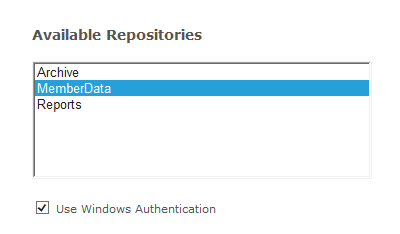
Login by checking the Use Windows Authentication
Double click
on MemberData
Click the  icon
icon
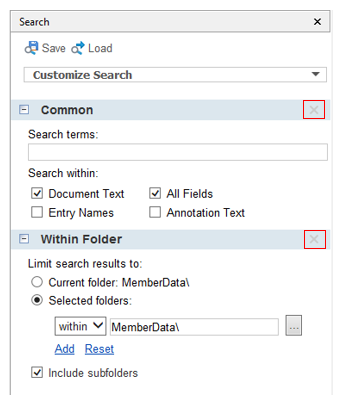
The next screen you will X out all of the boxes (See below)
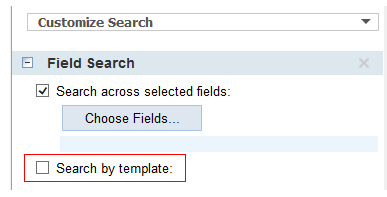
Next you will use the Search Types drop down and select “Field”

Check the  Search template box
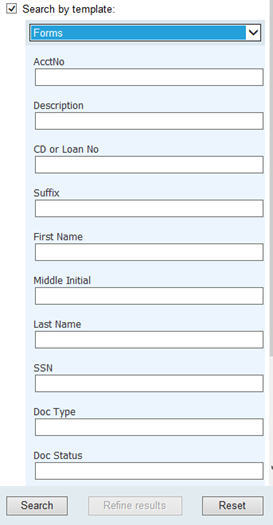
Use the first drop down box and select “Forms”
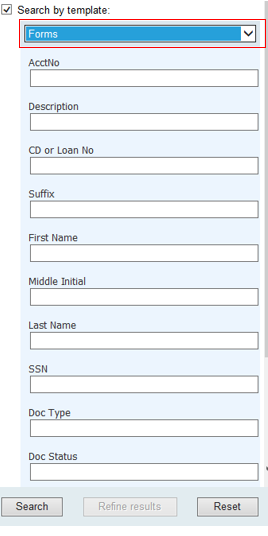
Now you can search Laserfiche. If you cannot find a document
in MemberData switch it to “Archive”. To do this, Click on the  icon
icon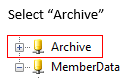
Click the  icon
icon
Use the first drop down box and select “Forms”